Step 10.26 — PSU → USB adapter PCB (toolhead 24 V)¶
Step 26 of 80 · Chapter 10 — Wiring and Checkpoint #1
Parts:
- 24V power cable ×1 · the Cable Kit box
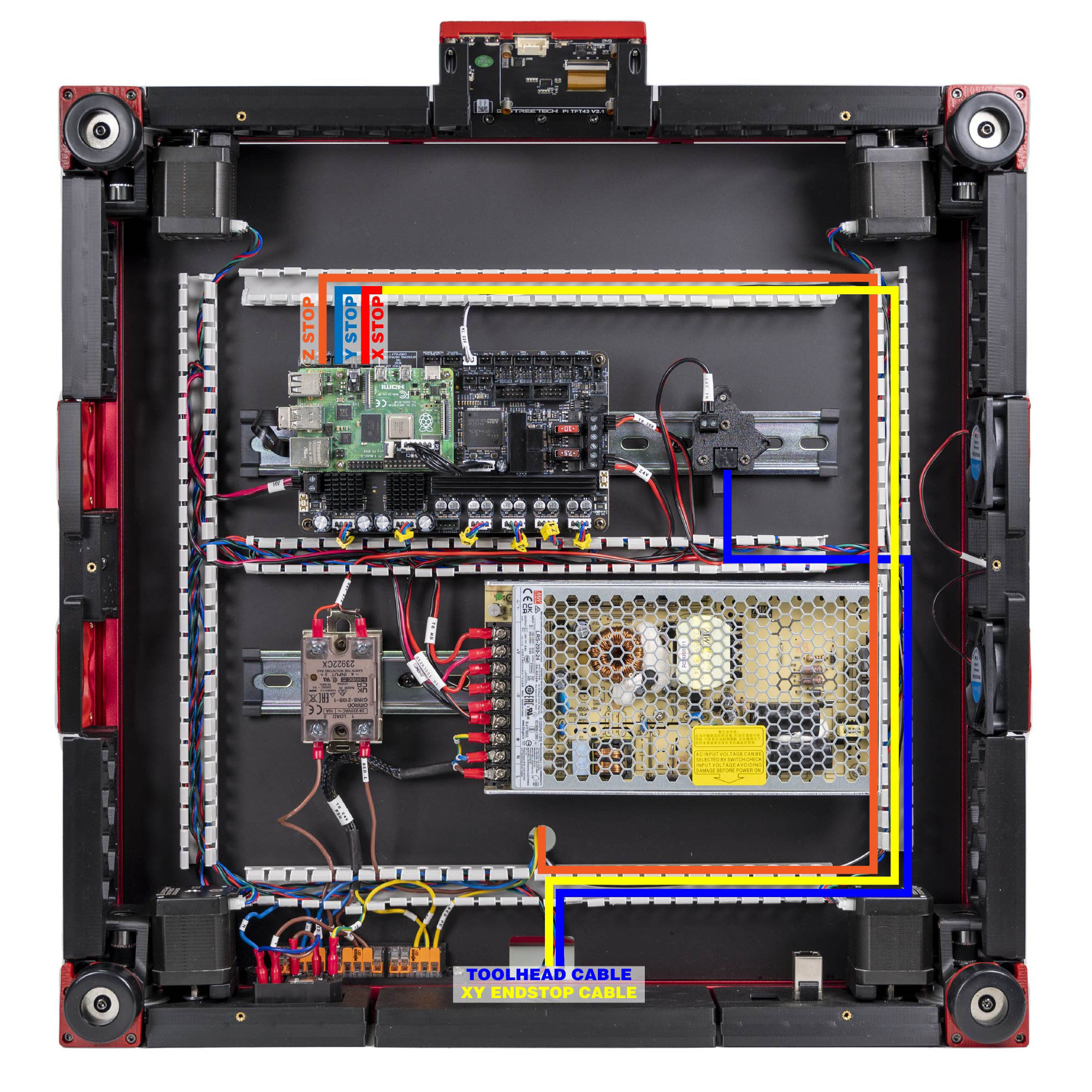
Do: TO TOOLHEAD end onto the PSU +V/−V. 24V IN end onto the USB adapter PCB on its DIN clip. This is what powers the Nitehawk down the umbilical.
 Check
Check
Polarity at the USB adapter end matches the silkscreen. The adapter PCB's cover is the partial cover; see step 10.57.
What you're looking at
The USB adapter PCB on its DIN clip is the bay-side end of the toolhead link: 24 V and USB arrive on this side as two separate cables and leave on the other side as one umbilical. This step is the 24 V half.
Source: LDO Rev D photo S6 gantry-cable mapping · LDO wiring guide § Connecting 24V