Chapter 12 — Software: Pi OS image, Klipper/Moonraker/Mainsail, firmware, printer.cfg
Start the chapter · Resume · Read the whole chapter on one page
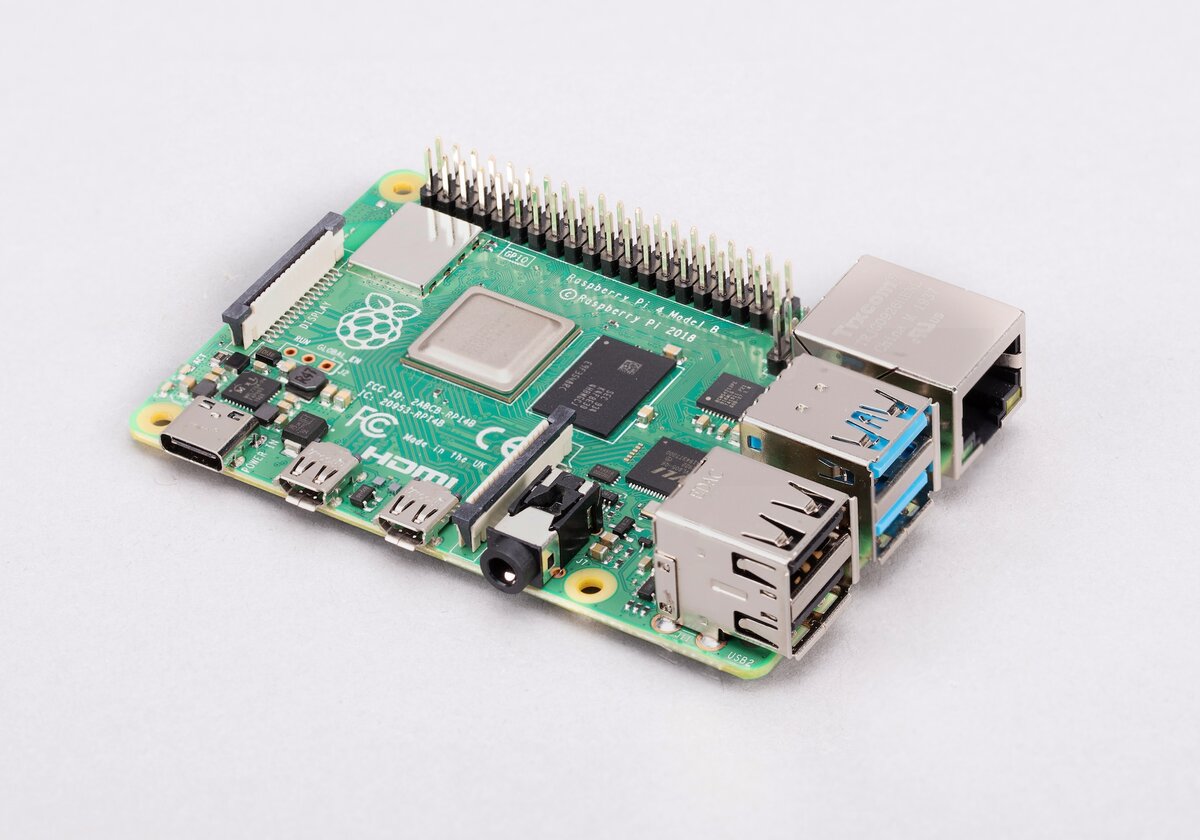 Step 12.1Decide where you are doing the Pi half
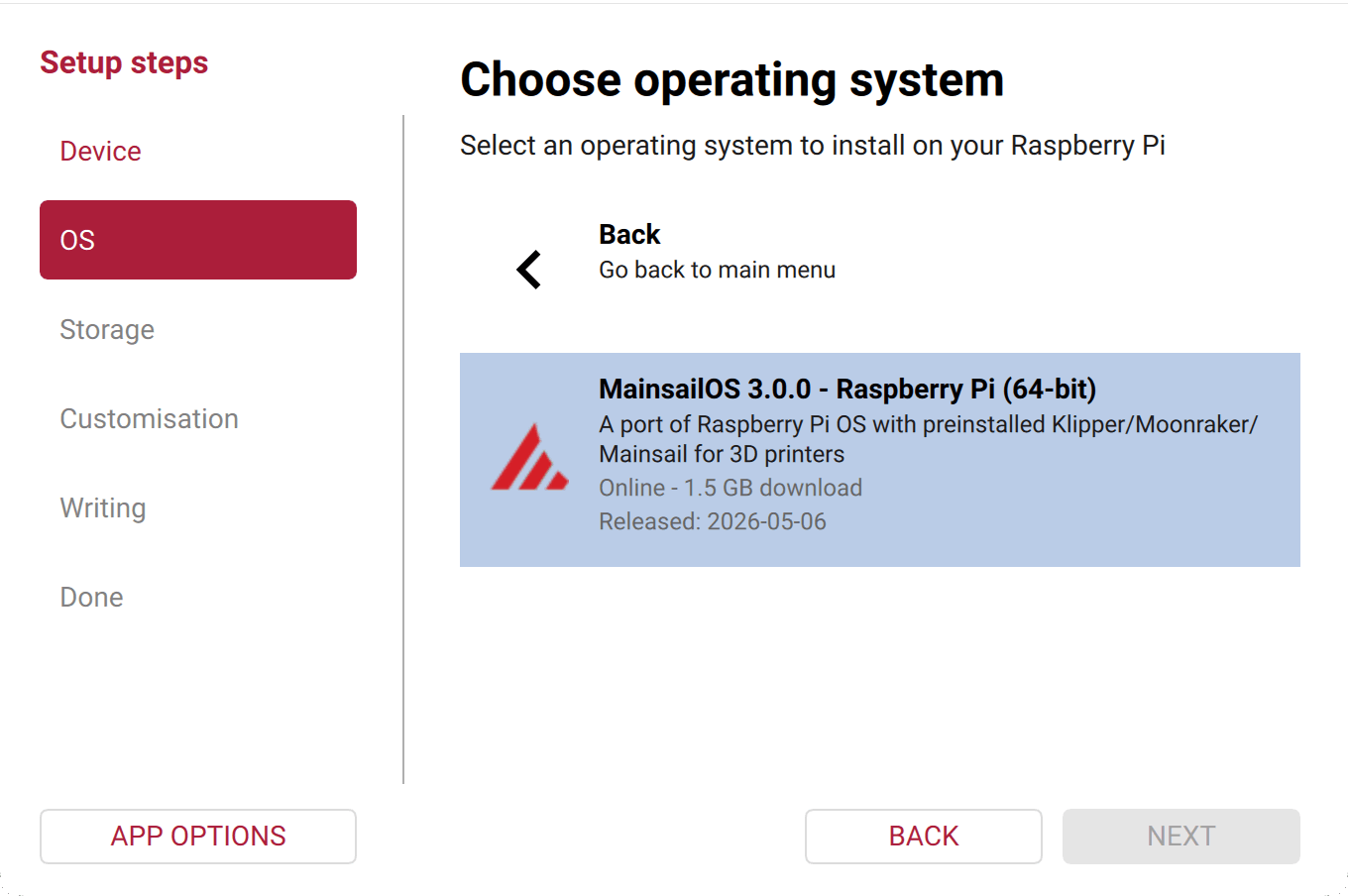 Step 12.2Write MainsailOS with Raspberry Pi Imager
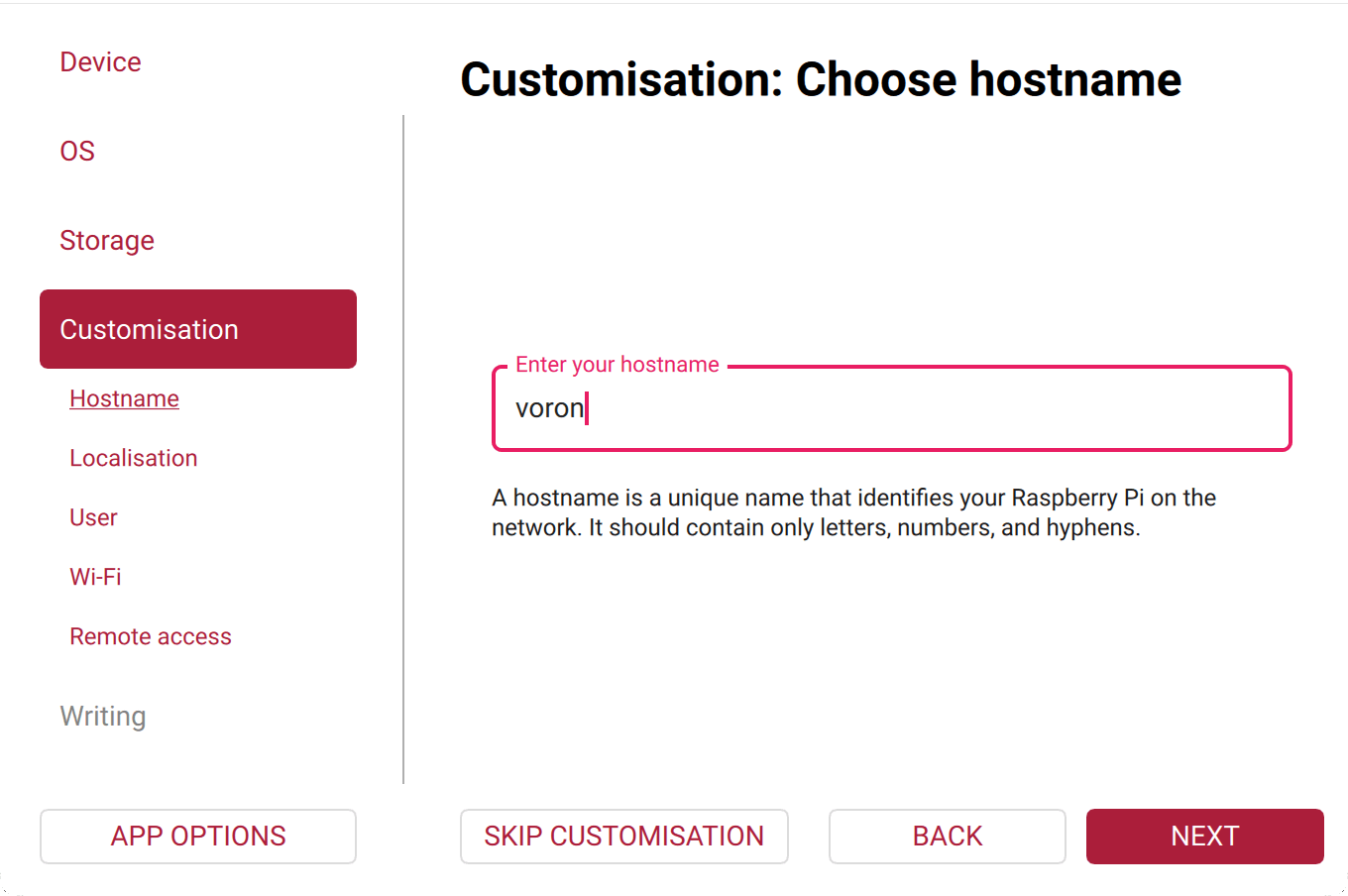 Step 12.3Fill in the Imager customisation
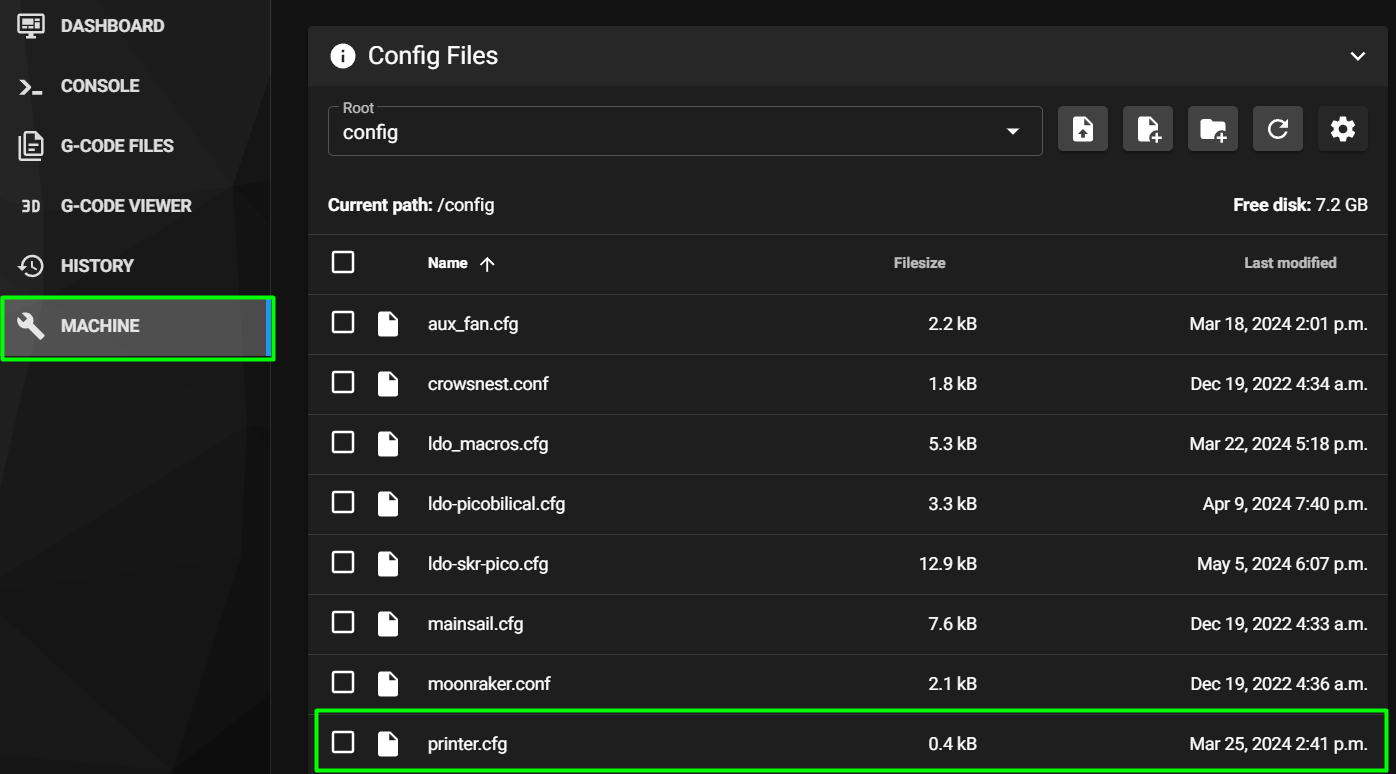 Step 12.5Reach Mainsail and open an SSH session
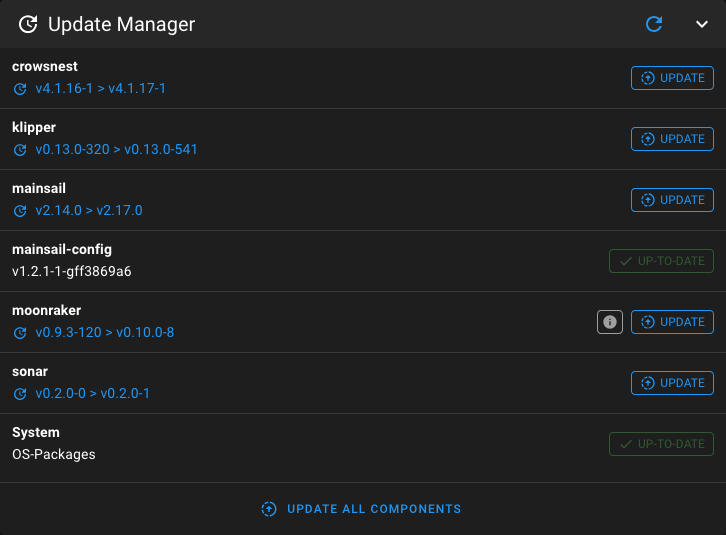 Step 12.6Update everything before you touch anything else
Step 12.7Record the Klipper version you are building againstwith a helper
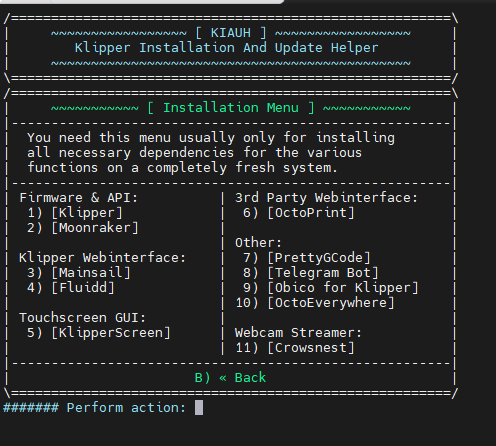 Step 12.9Install KlipperScreen
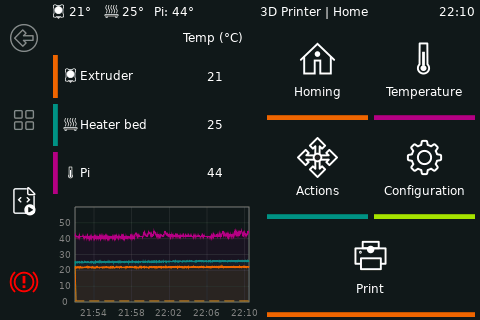 Step 12.10Bring up the DSI panel and rotate it
Step 12.11Gate: power the bay and confirm both MCUs enumerate
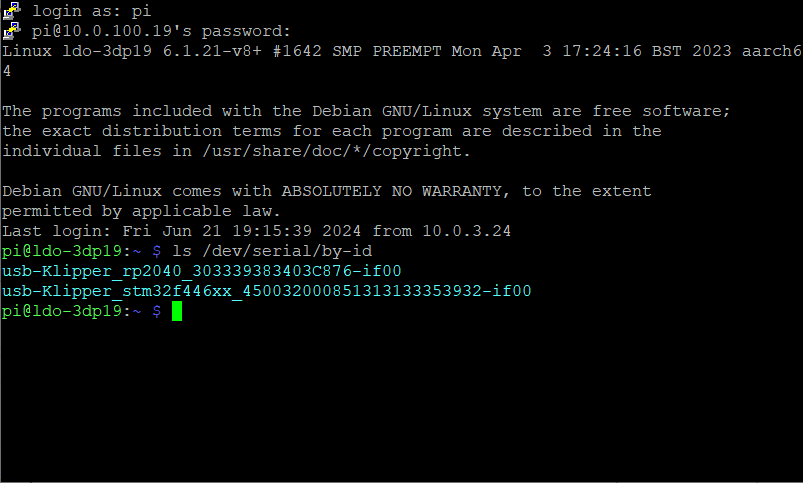 Step 12.12Read the two serial IDs and work out which is whichwith a helper
Step 12.13Identify your Leviathan revision before you build anything
Step 12.14Build Klipper firmware for the Leviathan
Step 12.15Flash the Leviathan through Katapult
Step 12.16Recovery only: reinstall Katapult on the Leviathan over DFU
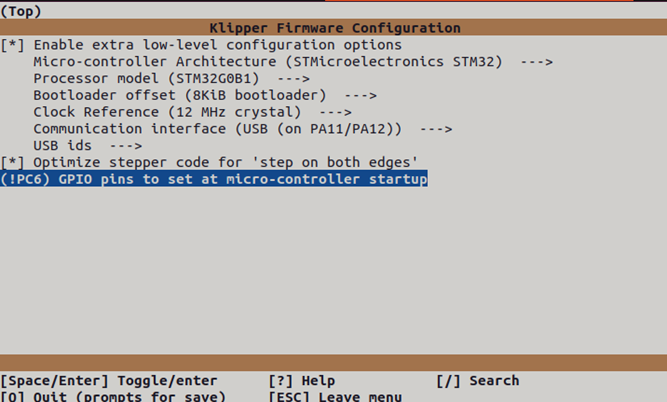 Step 12.17Build Klipper firmware for the Nitehawk-SB V2
Step 12.18Flash the Nitehawk with make flash
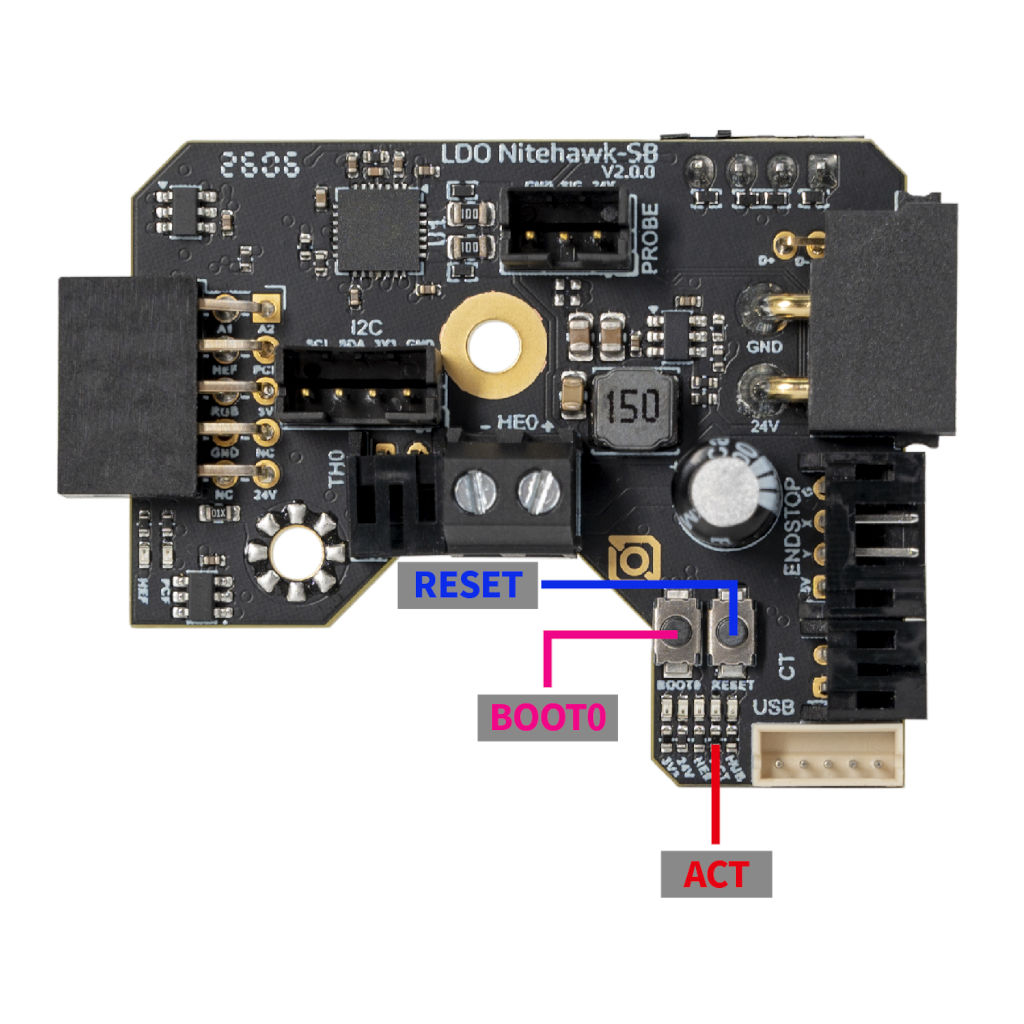 Step 12.19Fallback: flash the Nitehawk through Katapult
Step 12.20Re-read and record both serial paths
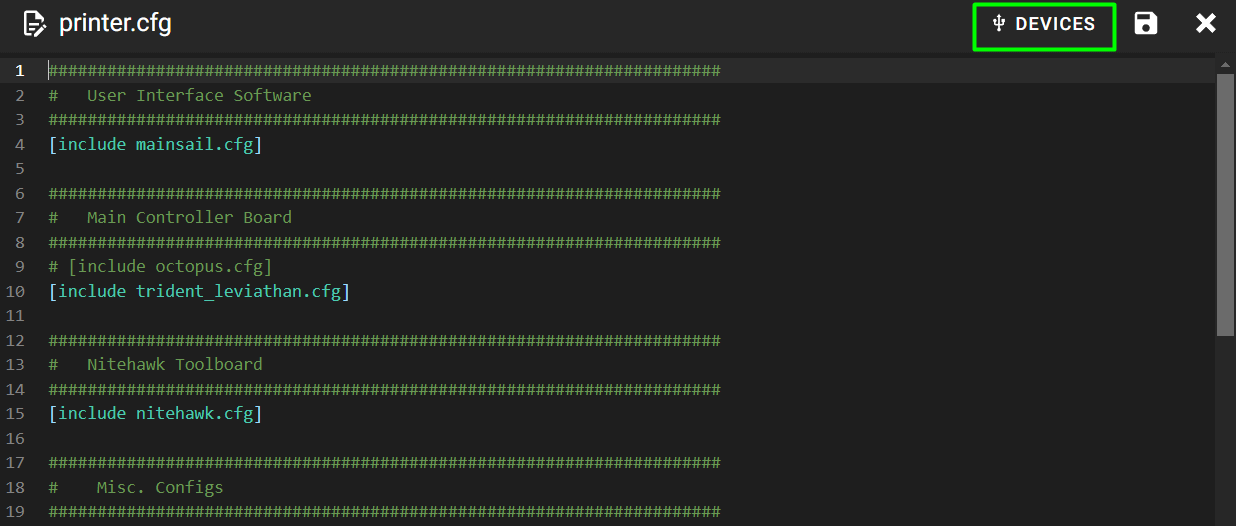 Step 12.21Download the correct config file
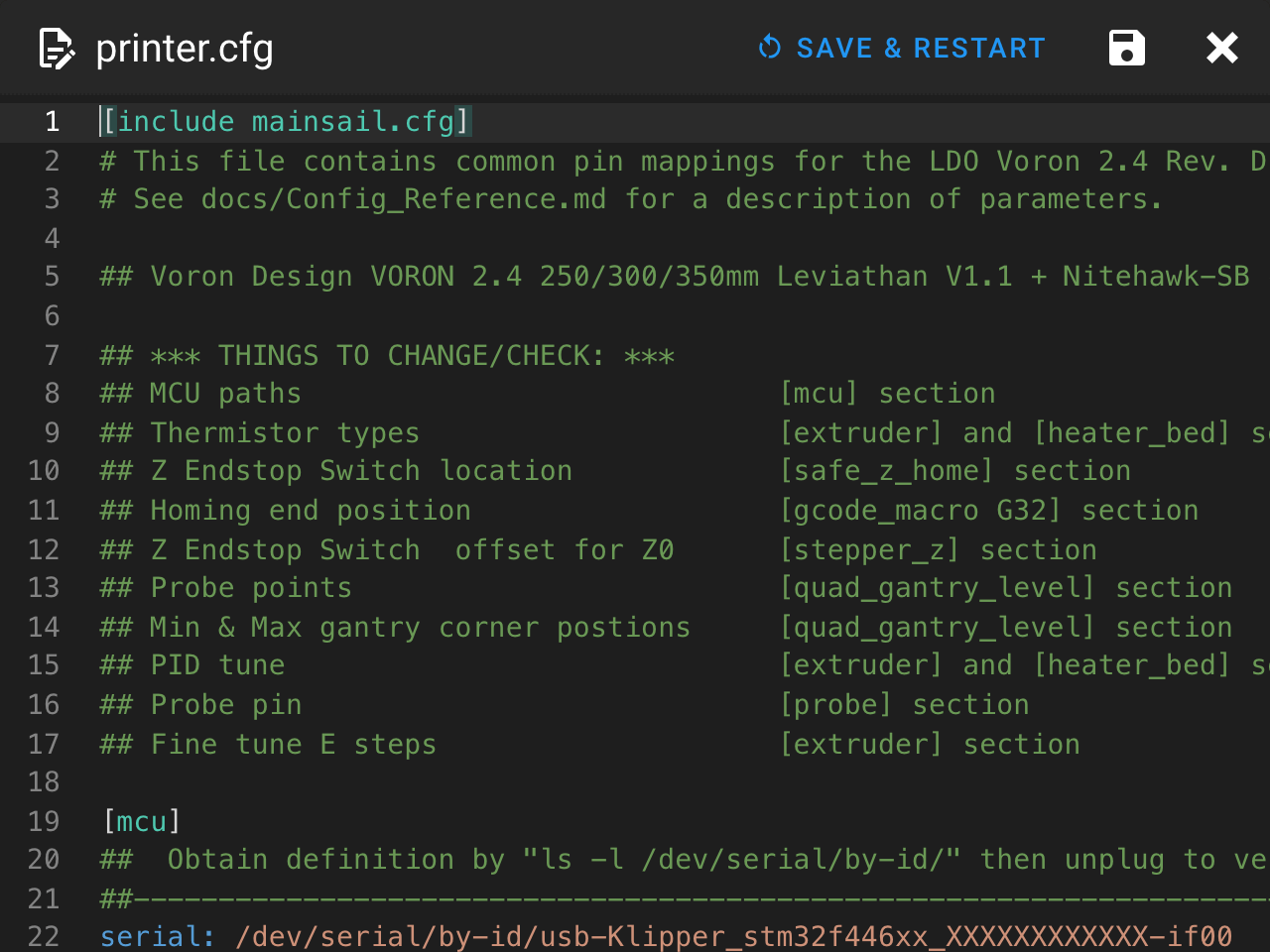 Step 12.22Add the Mainsail include at the top of printer.cfg
Step 12.23Paste the two serial paths
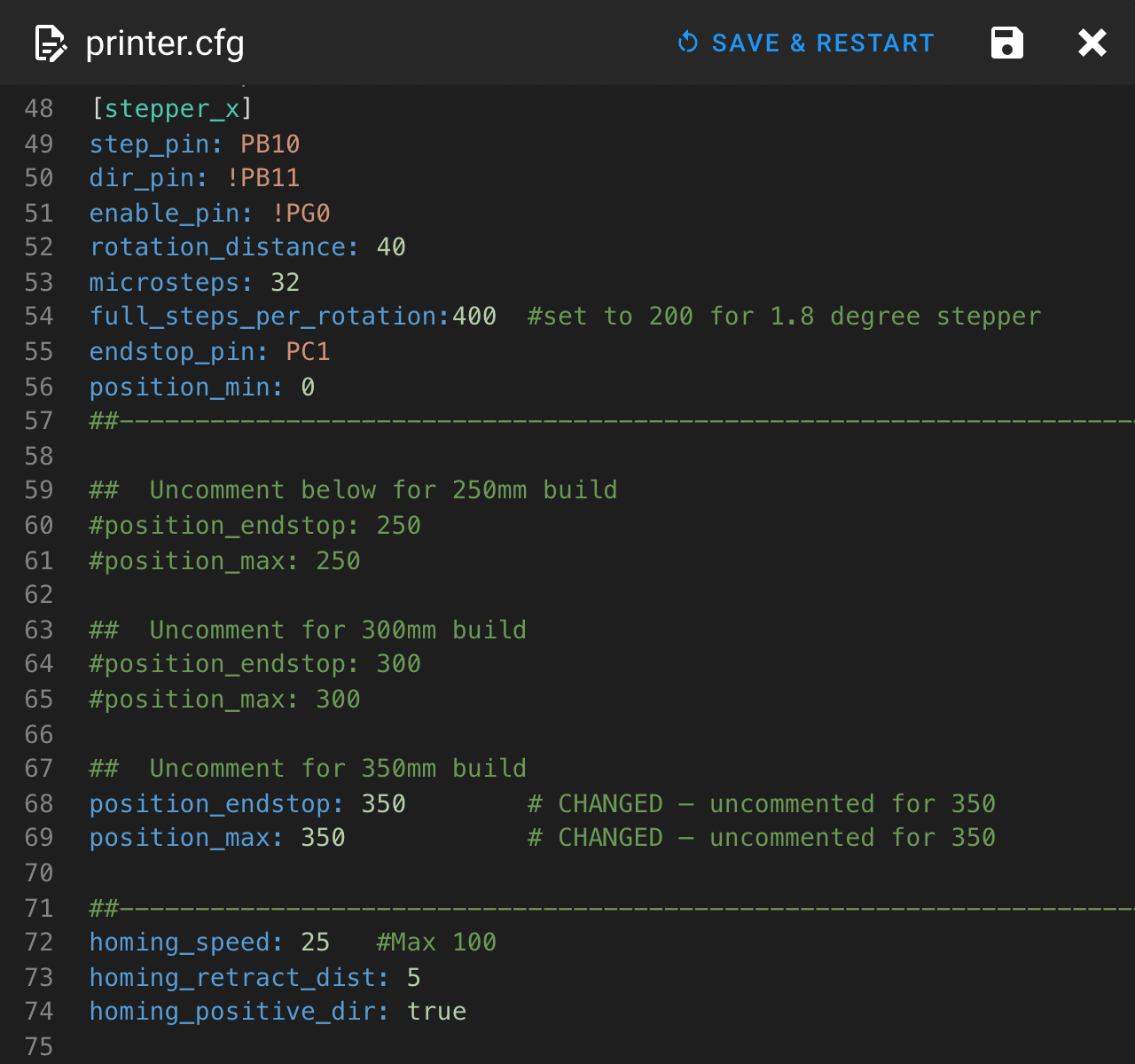 Step 12.24350 mm: [stepper_x] and [stepper_y]
Step 12.26350 mm: [quad_gantry_level]
Step 12.27350 mm: resonance probe point and the G32 homing end positionwith a helper
Step 12.28Verify the 0.9° A/B motor setting
Step 12.29Probe: Omron active, Klicky written but commented
Step 12.31Bed heater and chamber sensor
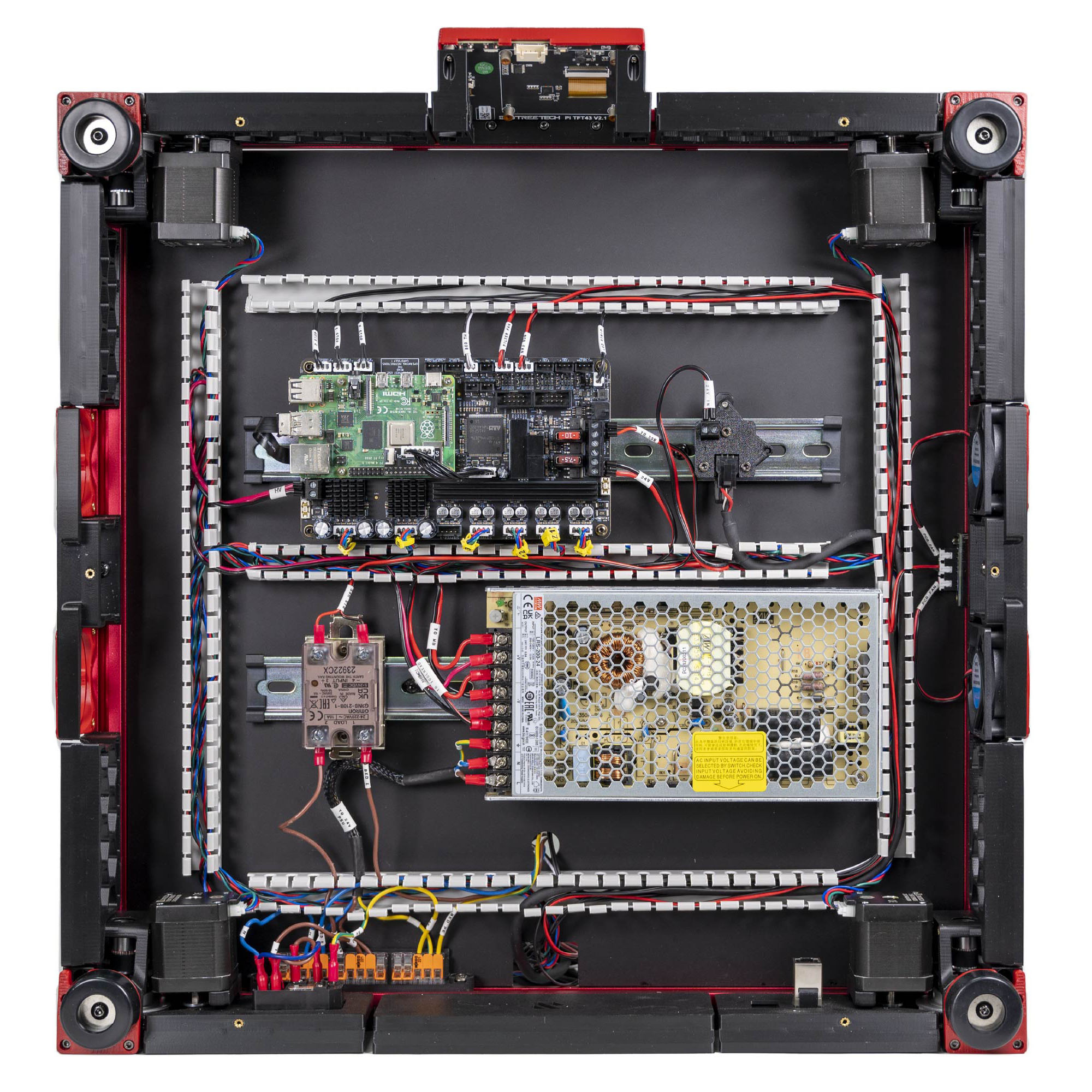 Step 12.32Fans and lighting: Nevermore, COB strips, bay fans
Step 12.33Z endstop: leave safe_z_home deliberately unreachable
Step 12.34Add a [bed_mesh] section
Step 12.35Add [input_shaper] and [exclude_object]
Step 12.36Replace PRINT_START with a skeleton that waits on the chamber
Gather per session — what to lay out before each bench segment.
- Steps 12.1–12.6 · ~25 min — Tools and consumables: the kit's 32 GB microSD card
- Steps 12.7–12.10 · ~20 min — nothing to lay out
- Steps 12.11–12.13 · ~15 min — Tools and consumables: fire extinguisher, within arm's reach · Already on the bench: the C13 cord
- Steps 12.14–12.16 · ~20 min — nothing to lay out
- Steps 12.17–12.20 · ~20 min — nothing to lay out
- Steps 12.21–12.23 · ~15 min — nothing to lay out
- Steps 12.24–12.28 · ~15 min — nothing to lay out
- Steps 12.29–12.32 · ~15 min — nothing to lay out
- Steps 12.33–12.37 · ~20 min — nothing to lay out