Chapter 13 — Initial startup
Start the chapter · Resume · Read the whole chapter on one page
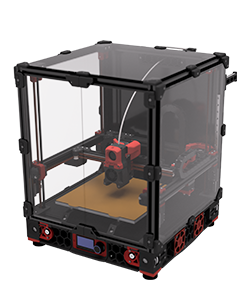 Step 13.1Clear the machine and stage the bench
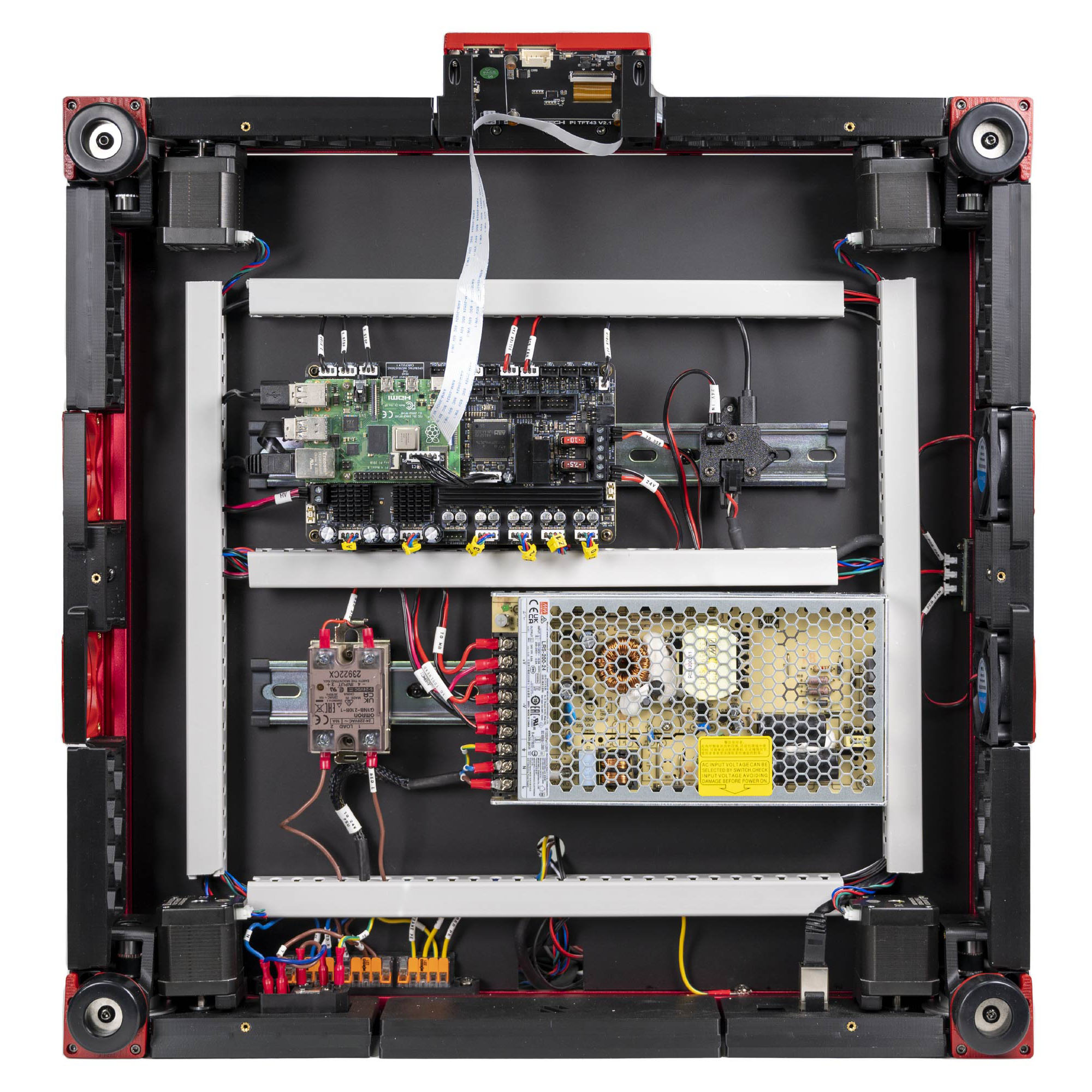 Step 13.2Re-confirm the Checkpoint #1 result and the PSU voltage selector
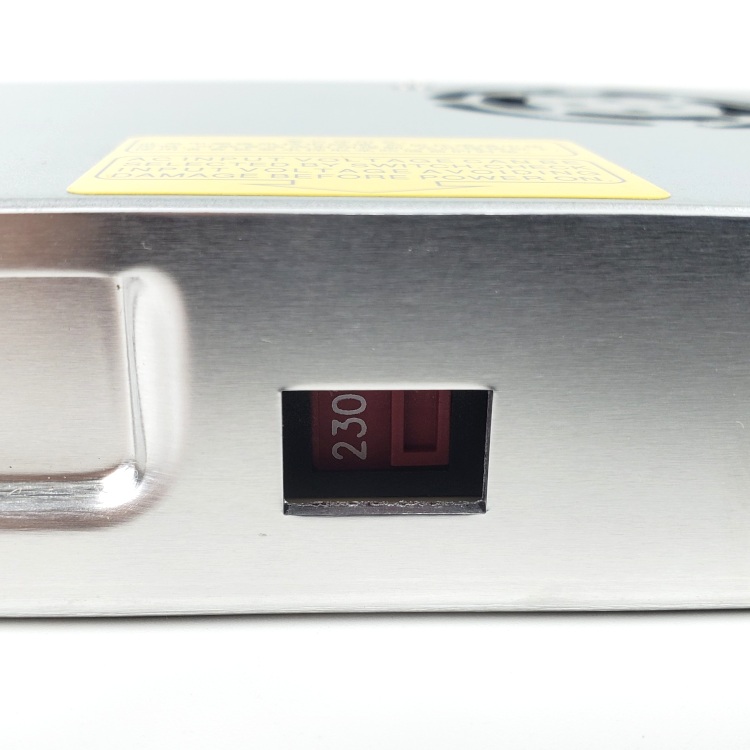 Step 13.3Power on again, hand on the switch
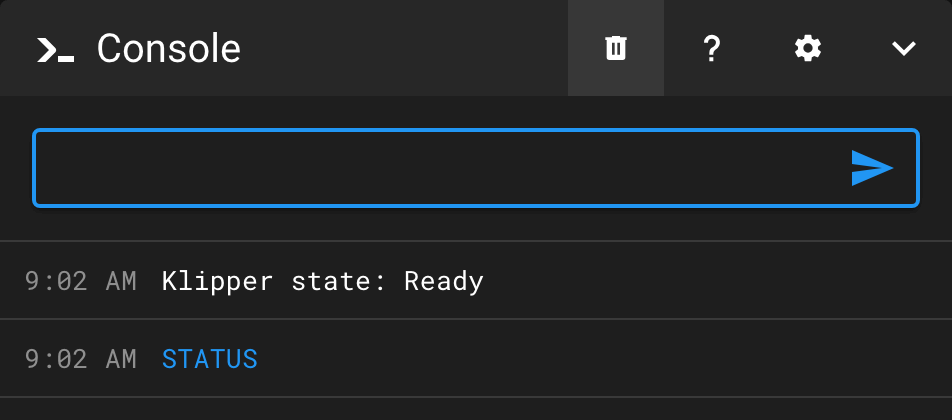 Step 13.4Connect Klipper and confirm both MCUs
Step 13.5Prove the 350 mm config edits are livewith a helper
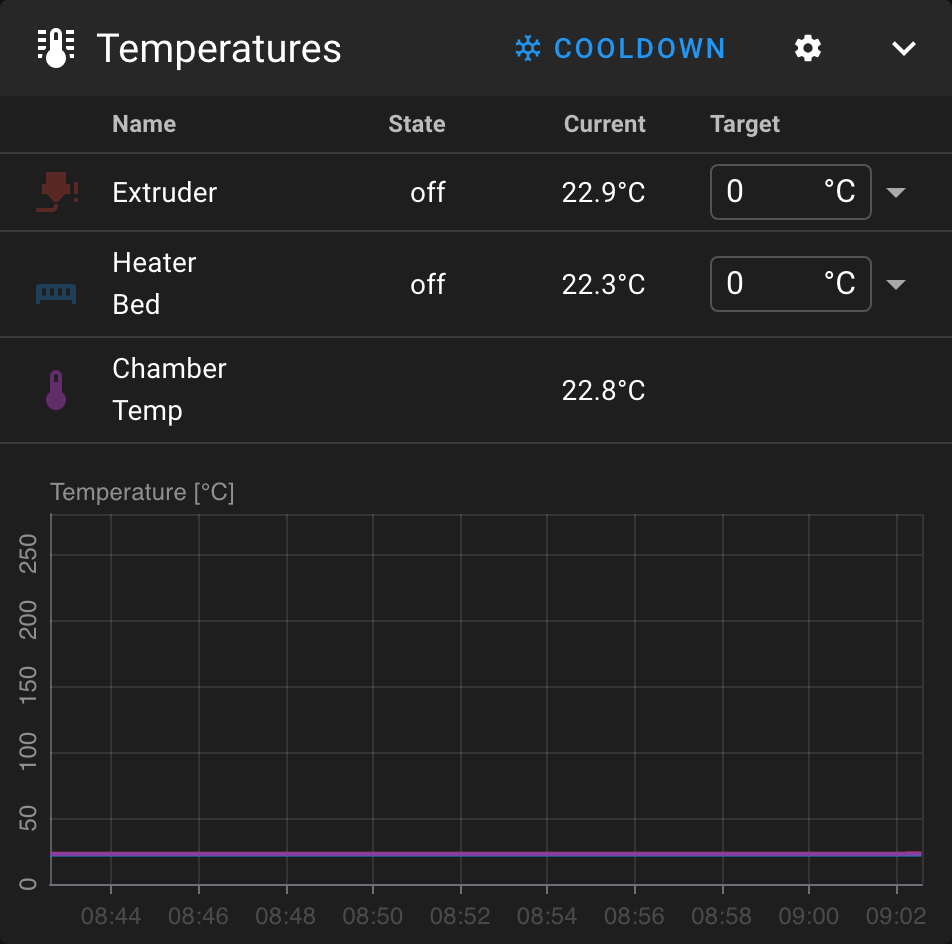 Step 13.6Verify the three temperature readings at room temperaturewith a helper
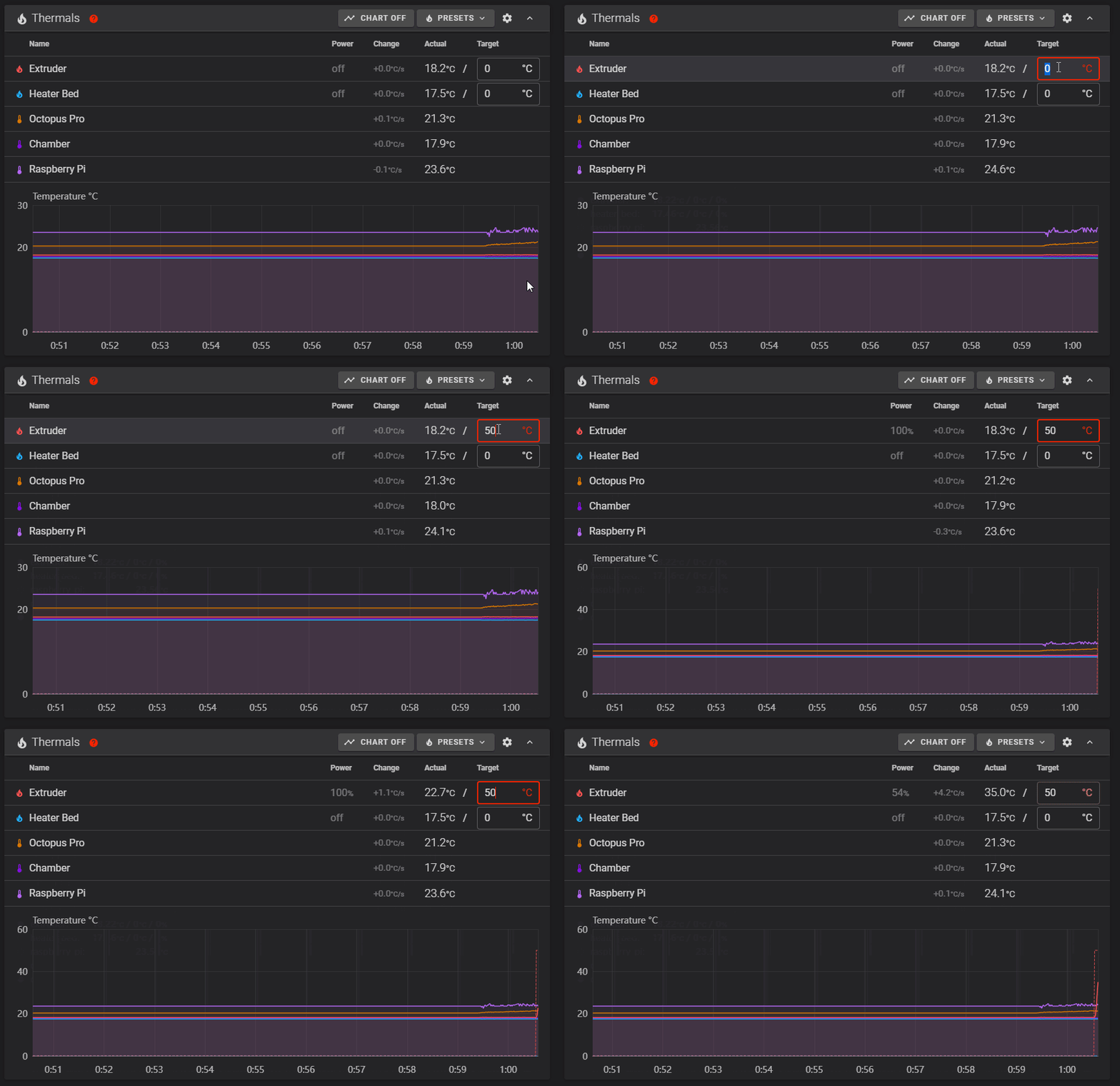 Step 13.7Short heat test: hotend to 50 °C
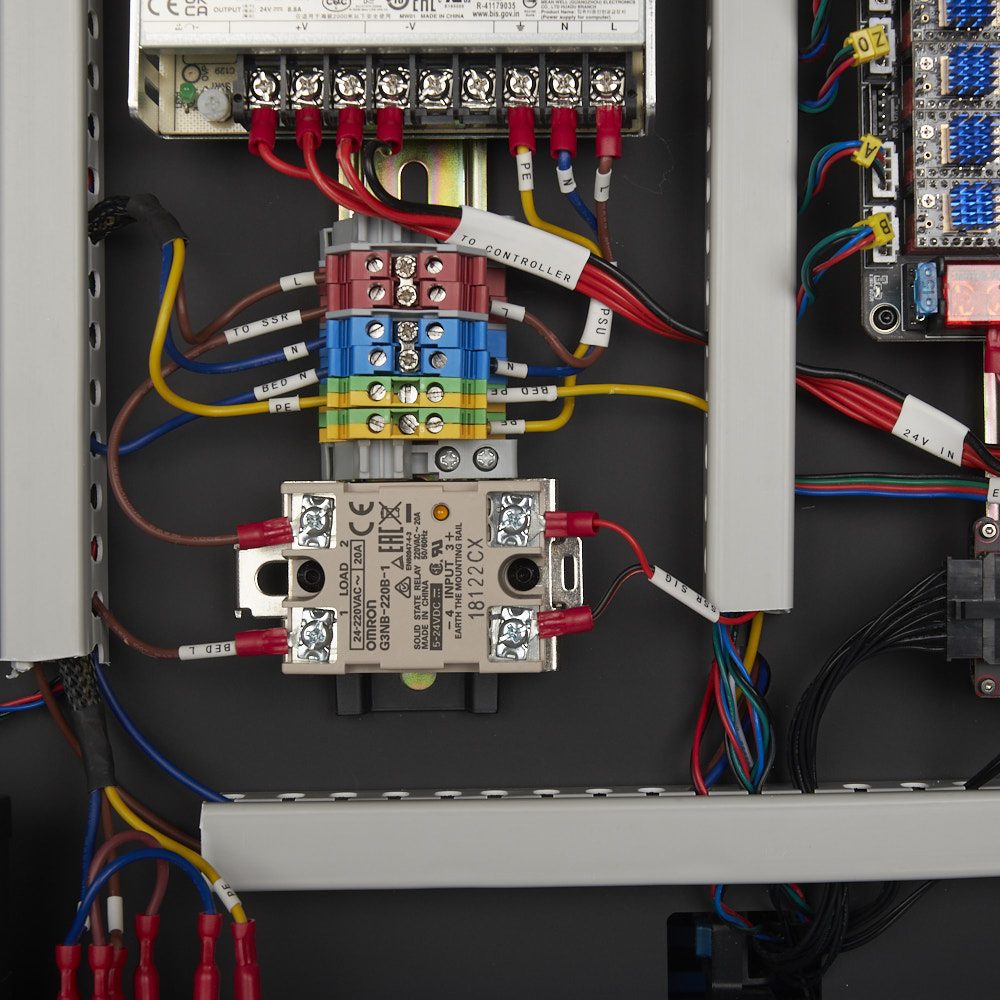 Step 13.8Short heat test: bed to 50 °C, and watch the SSR
Step 13.9Hotend fan (Stealthburner bottom fan)
Step 13.10Part cooling fan (Stealthburner top fan)
Step 13.11Bay fan and filter fan
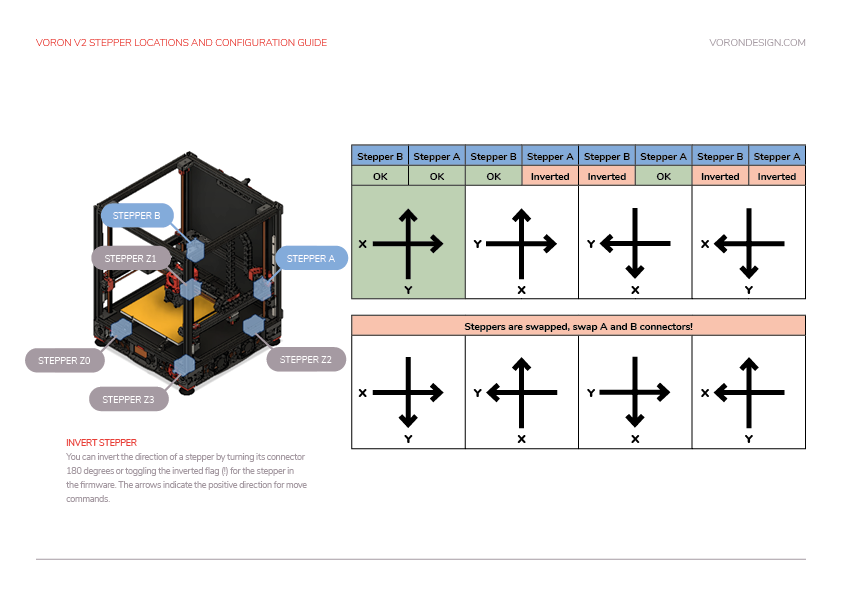 Step 13.13STEPPER_BUZZ the four Z motorswith a helper
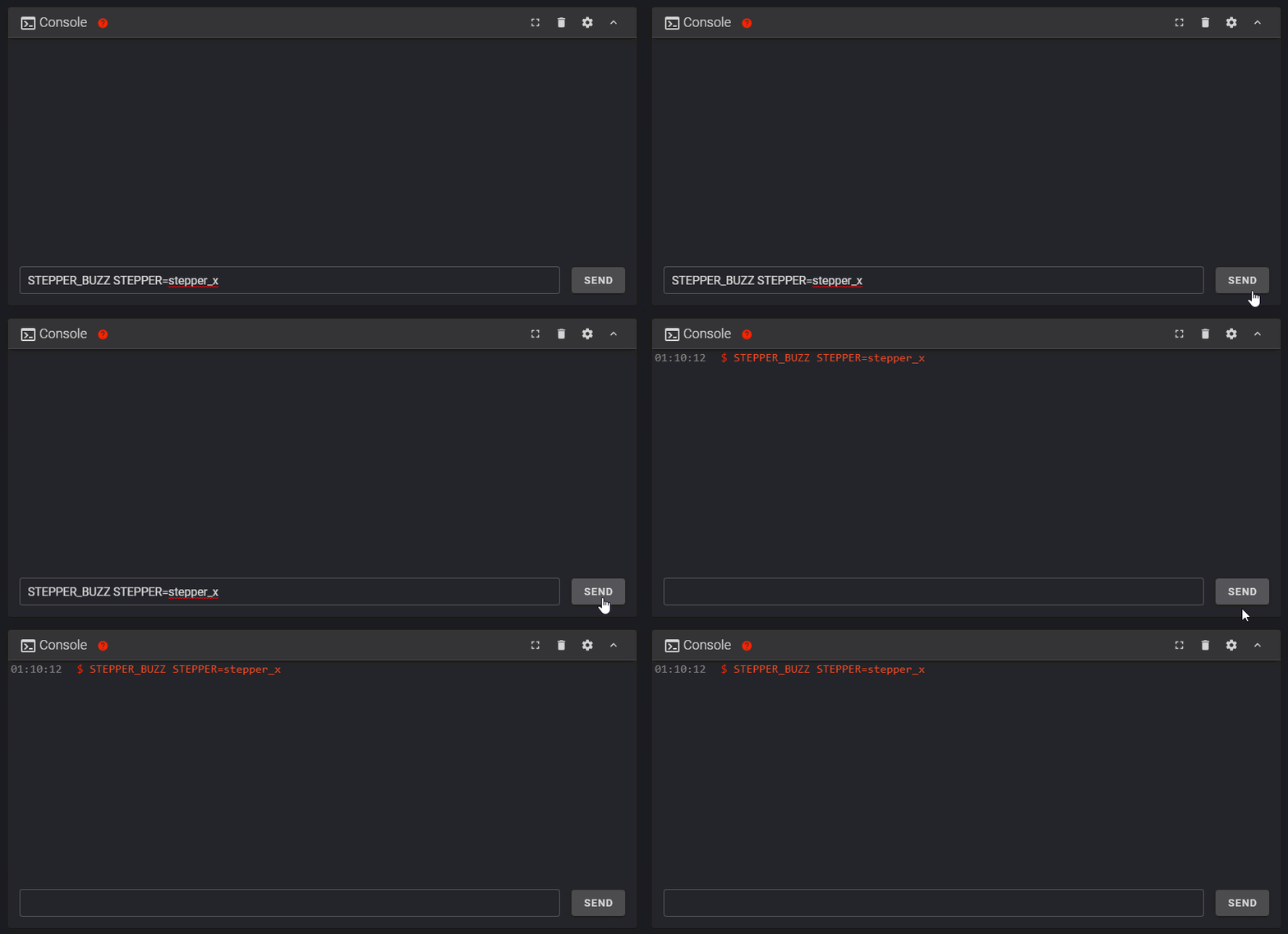 Step 13.14STEPPER_BUZZ the A and B motorswith a helper
Step 13.15STEPPER_BUZZ the extruderwith a helper
Step 13.16Correct any wrong motor or wrong direction
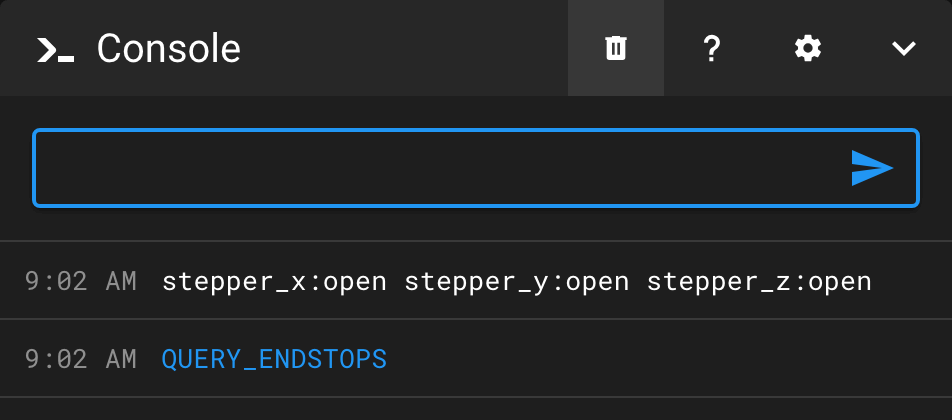 Step 13.17QUERY_ENDSTOPS with everything releasedwith a helper
Step 13.18X endstop by handwith a helper
Step 13.19Y endstop by handwith a helper
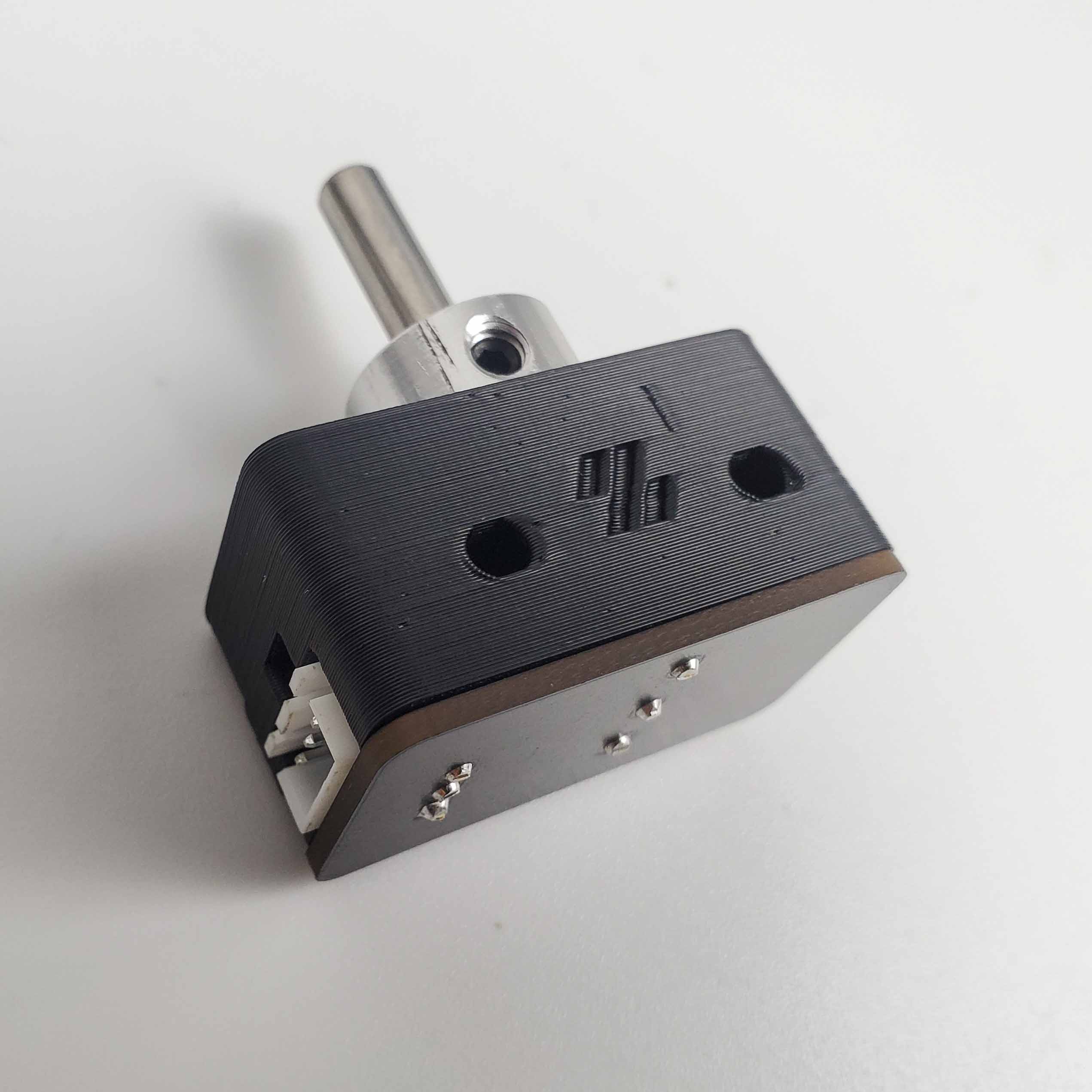 Step 13.20Z endstop (the LDO nozzle probe) by handwith a helper
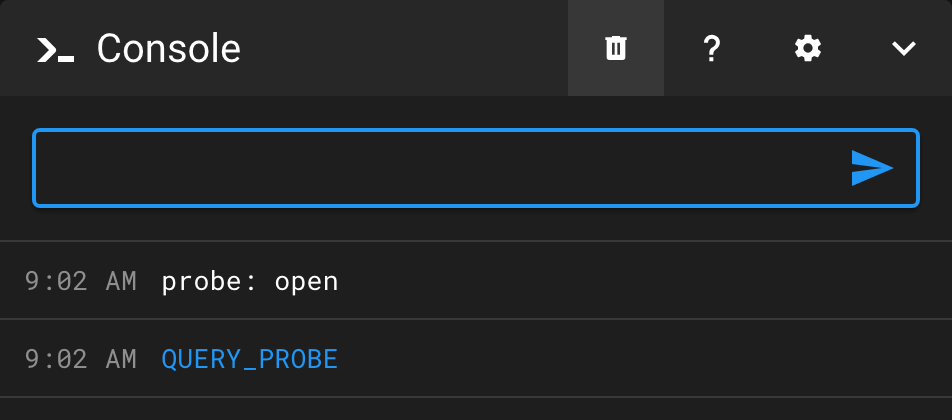 Step 13.21QUERY_PROBE on the inductive probewith a helper
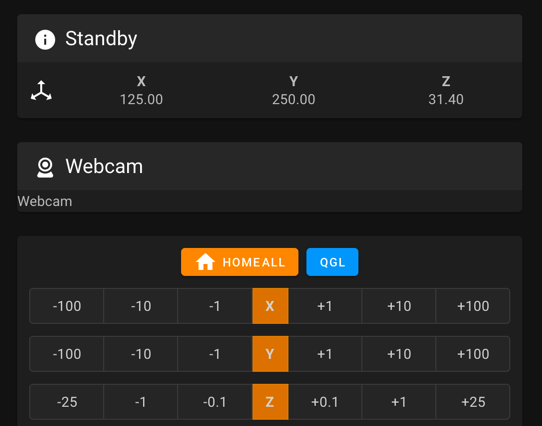 Step 13.22Home X, with an abort ready
Step 13.23Home Y, then read the chart
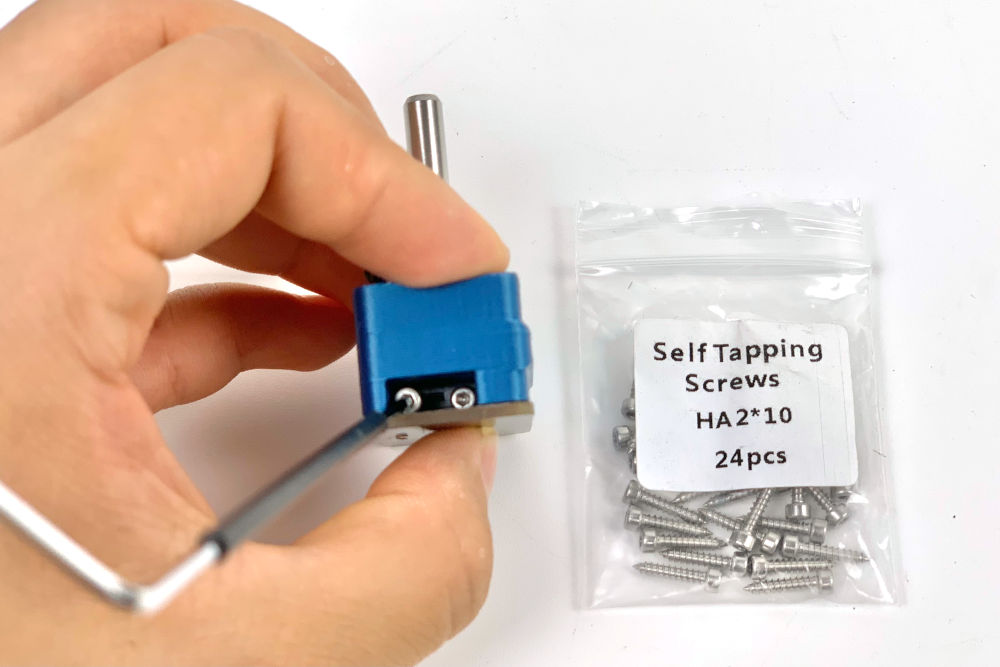 Step 13.24Bed locating: line up the Z endstop and set the bed gap
Step 13.25Define the 0,0 point
Step 13.26Record the Z endstop coordinate into [safe_z_home]with a helper
Step 13.28PROBE_ACCURACY at the bed centre, coldwith a helper
Step 13.29PID tune the bed at 100 °C
Step 13.30PID tune the hotend at 245 °C with the part fan at 25 %
Step 13.31Heat soak: bed 100 °C, hotend 150 °C
Step 13.32PROBE_ACCURACY hot — the gate on everything downstream
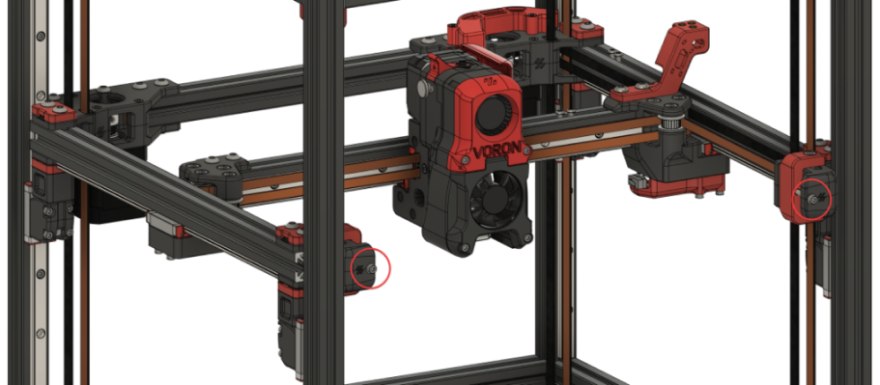 Step 13.34Hand off to Ch 06b: square the gantry, then re-tension A/B
Step 13.35Re-heat and re-QGL after squaring
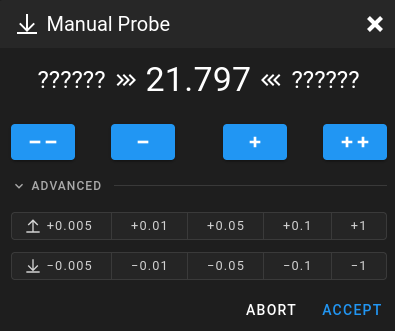 Step 13.36Z_ENDSTOP_CALIBRATE and the paper test
Step 13.38Confirm the [bed_mesh] section from Ch 12
Step 13.40Set the extruder rotation distance (Ch 14 procedure)
Step 13.41Make the Voron printer profile and slice the cube
 Step 13.42Print it, and set the first-layer squish
Step 13.43Shut down properlywith a helper
Step 13.44Inspect the plate edge and the room behind itwith a helper
Step 13.45Measure the sheet height and the wiperwith a helper
Step 13.46Measure the Omron height and the reach past the platewith a helper
Step 13.47Decide what to print, or stopwith a helper
Step 13.48Print the chosen parts on the Core One+with a helper
Step 13.49Inspect the prints, then fit the magnets and the wiperwith a helper
Step 13.50Bolt both brackets to the bed extrusionswith a helper
Step 13.51Read the brush coordinates off the machinewith a helper
Step 13.52Add the scrubber macros
Step 13.53Dry-run the scrub coldwith a helper
Step 13.54Scrub inside PRINT_START, then shut down
NoteWhat if — first-start failures and what they actually mean
Gather per session — what to lay out before each bench segment.
- Steps 13.1–13.2 · ~15 min — nothing to lay out
- Steps 13.3–13.12 · ~40 min — nothing to lay out
- Steps 13.13–13.16 · ~20 min — nothing to lay out
- Steps 13.17–13.21 · ~20 min — nothing to lay out
- Steps 13.22–13.27 · ~30 min — nothing to lay out
- Steps 13.28–13.31 · ~20 min — nothing to lay out
- Steps 13.32–13.33 · ~15 min — nothing to lay out
- Step 13.34 · ~10 min — nothing to lay out
- Steps 13.35–13.37 · ~20 min — Tools and consumables: printer paper, one sheet; the same sheet of paper
- Steps 13.38–13.39 · ~15 min — nothing to lay out
- Steps 13.40–13.43 · ~30 min — Tools and consumables: Prusament ASA, dried; steel rule or caliper; masking tape; the laptop with PrusaSlicer 2.9.6; the
Voron_Design_Cube_v7.stlfile (bin 00-jigs); Prusament ASA, already loaded; IPA · Already on the bench: the flex plate, cleaned - Steps 13.44–13.47 · ~35 min — Tools and consumables: steel rule; digital caliper; the laptop with this repo and its
venv-cqPython · Set out for later steps: Bambu A1 heatbed nozzle wiper ×1 - Step 13.48 · ~15 min — Tools and consumables: Galaxy Black ASA, about 40 g; the Core One+ with the smooth sheet
- Steps 13.49–13.50 · ~25 min — Fasteners, Tools & Misc box: 6×3 mm neodymium magnet ×4; M3 roll-in T-nut ×4; M3×8 SHCS ×6 · Bin 13-scrubber: brush bracket, mirrored ×1; purge bucket, mirrored ×1; stop bracket ×1 · Bin 13-scrubber, bought at Ch 00: Bambu A1 heatbed nozzle wiper ×1 · Tools and consumables: super glue; digital caliper; 2.5 mm hex key · Already on the bench: the brush bracket with its bucket
- Steps 13.51–13.54 · ~30 min — Tools and consumables: a sheet of printer paper · Already on the bench: the fitted scrubber