Step 12.21 — Download the correct config file¶
Step 21 of 37 · Chapter 12 — Software: Pi OS image, Klipper/Moonraker/Mainsail, firmware, printer.cfg
(no image of your own printer yet — simulated printer: your numbers differ)
Parts: none.
Do: Fetch leviathan-printer-rev-d-sbv2.cfg onto the Pi as printer.cfg, from the pinned commit. A GitHub page is not the file: "Save as" on the blob/ page gives you HTML, so use the raw URL over SSH:
wget -O ~/printer_data/config/printer.cfg \
  https://raw.githubusercontent.com/MotorDynamicsLab/LDOVoron2/667521d/Firmware/leviathan-printer-rev-d-sbv2.cfg
grep -c 'nhk:PB8' ~/printer_data/config/printer.cfg
grep -c gpio ~/printer_data/config/printer.cfg
 Check
Check
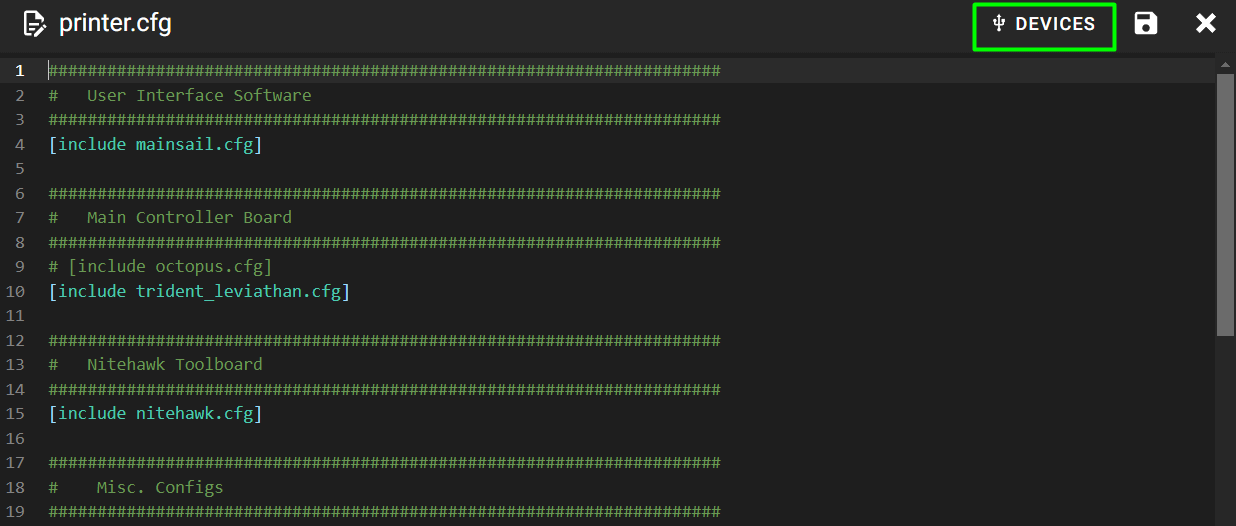
The first grep prints 1 and the second 0, and the file appears as printer.cfg in Mainsail's Machine page.
What you're looking at
printer.cfg is the single text file that describes this machine to Klipper: which pin drives which motor, what shape the bed is, what every heater, sensor and fan is. LDO publishes one per kit variant and the -sbv2 suffix is the Rev D+ one.
A 0 then 20 means you fetched the Rev D (RP2040) file: re-run the wget with the -sbv2 name.
Caution
Rev D+ / LDO: the Rev D wiring guide's "pre-made configuration file" link points at leviathan-printer-rev-d.cfg, the RP2040 toolboard config: every nhk: pin in it is wrong for your board, and it defines a [temperature_sensor nh_temp] on a pin the V2 does not have. Do not add that section back (survey §4.1 ①, §4.3). src
Source: LDO Rev D photo, Mainsail config devices · leviathan-printer-rev-d-sbv2.cfg · LDOVoron2 Firmware/README.md · Video: Part 9 @2:35:54 (differs: BTT Octopus + separate Raspberry Pi; this kit is a Leviathan with the Pi mounted on it)