Step 01.1 — Verify the flat reference surface
Step 1 of 22 with a helper · Chapter 01 — Frame
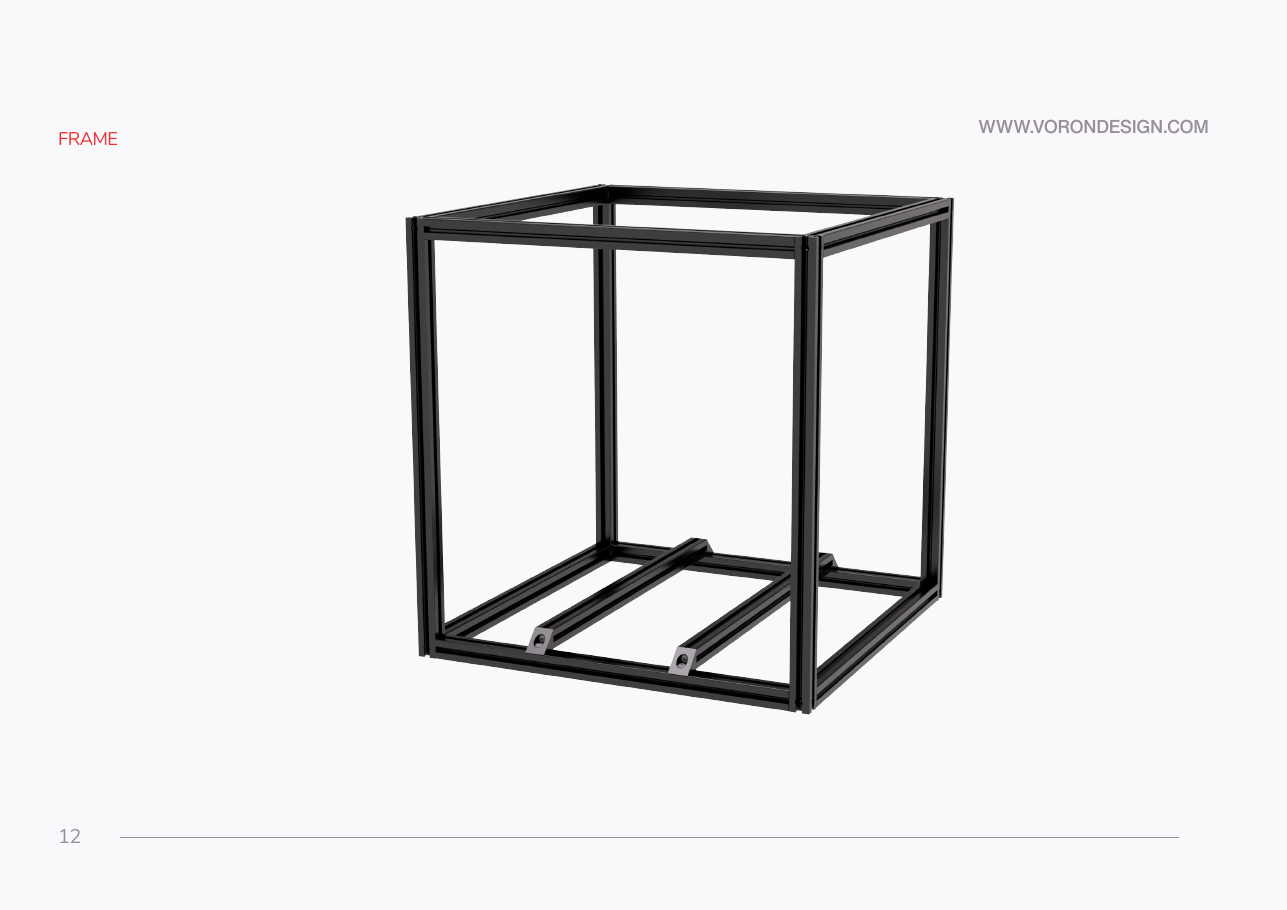
Tap to enlarge
 Gather for this segment — steps 01.1–01.5 (~40 min)
Fasteners, Tools & Misc box
- M5×16 BHCS ×16
Frame Kit 2.4-350 box
- A extrusion ×8
Tools and consumables
- masking tape
- marker
- M5 roll-in T-nut, fit test, back in its tray
- M3 roll-in T-nut, fit test, back in its tray
- machinist square
Set out for later steps
- A extrusion ×2
- B extrusion ×4
- C extrusion ×2
- D extrusion ×1
- E extrusion ×1
Parts: none.
Do:
- Re-clean the patch you masked at Step 00.10.
- Run the straightedge and feelers over the same five positions: left–right, front–back, both diagonals, centre.
- Work where both of you can reach all four corners. Put nothing underneath.
 Check
Check
Worst feeler gap ≤ 0.1 mm, no larger than your Ch 00 figure, and no rock of the straightedge. Write the number in the log.
 Helper Reads the thickest feeler leaf that slides under and writes it in the log.
What you're looking at
Manual p.12 opens the frame section. On your bench it is the stone counter, a long straightedge and feeler gauges. This surface is the frame's only reference: any twist in it, one corner high, is copied permanently into the printer.
 Tip
Tip
tape a strip marked FRONT on the face you want to face you. Any face will do until the bed extrusions go in; after that it is fixed.
Source: Voron manual p.12 · Voron manual p.15 · Video: Part 1 @0:53:46