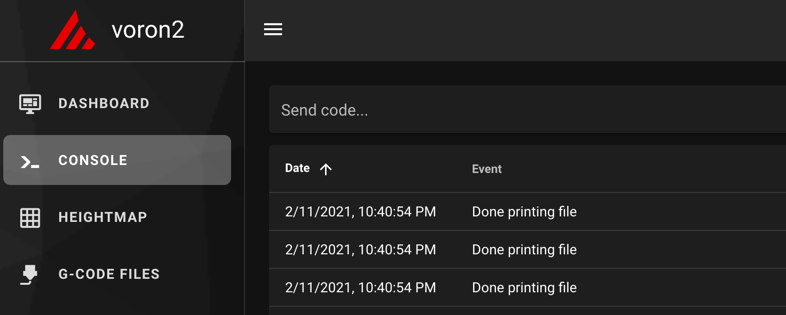
Step 13.4 — Connect Klipper and confirm both MCUs¶
Step 4 of 54 · Chapter 13 — Initial startup
(no image of your own printer yet — simulated printer: your numbers differ)
Parts: none.
Do: Open the web interface at the Pi's address. Go to the Console tab: every command in this chapter is typed there. Send FIRMWARE_RESTART, then STATUS.
Send: FIRMWARE_RESTART
Recv: // Klipper state: Shutdown
Recv: // Klipper state: Ready
Send: STATUS
Recv: // Klipper state: Ready
 Check
Check
Ready, with no mcu 'nhk': Unable to open serial port and no Option 'serial' in section 'mcu' must be specified. Any error here is a Ch 12 problem, not a Ch 13 problem.
What you're looking at
The screenshots are the Console tab, where every command in this chapter is typed and every reply read. FIRMWARE_RESTART restarts the host and both microcontrollers, so a clean Ready after it means the whole stack is talking to the whole machine.
Caution
Rev D+ / LDO: ls /dev/serial/by-id/* over SSH must show exactly two Klipper devices — one usb-Klipper_**stm32f446xx**_… (Leviathan; stm32h743xx on a V1.3 board — the LDO guide's stmf446xx is a typo, Ch 12 Step 12.13) and one usb-Klipper_**stm32g0b1xx**_… (Nitehawk-SB V2). The Rev D wiring guide tells you to look for rp2040; that is the V1 board and it is not what you have. (survey §4.1 ②)
Source: Voron docs image mainsail_terminal.png · Voron startup wizard § Mainsail and Fluidd · Klipper docs § FIRMWARE_RESTART