Step 13.3 — Power on again, hand on the switch¶
Step 3 of 54 · Chapter 13 — Initial startup
Parts: none.
Do:
- Two people: one on the switch, one watching with hands out.
- Plug the mains lead in, stand to the side, switch on at the IEC inlet rocker.
- Keep your hand on it ten seconds. Listen and smell.
Check
PSU green LED, Pi power and activity LEDs, the toolboard's 3V3 and 24V LEDs all lit, with no clicking, buzzing, hot smell or humming stepper.
What you're looking at
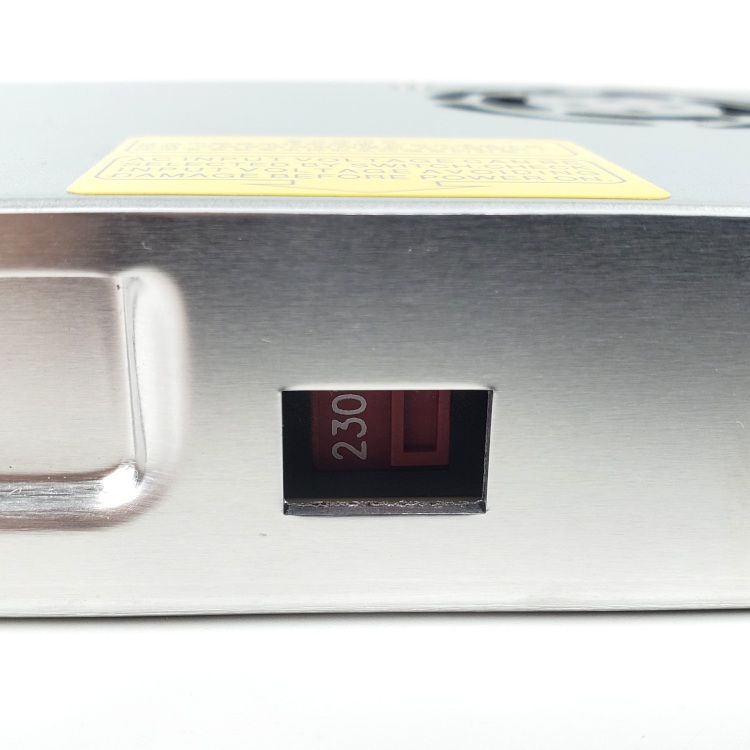
The photo is the PSU's 115/230 V slide switch again. The rocker your hand is on is built into the C14 inlet module: the machine's only mains isolator. This is the first power-on with a live printer.cfg that can drive heaters and motors.
Caution
If any of that is wrong, switch off at the inlet immediately and go back to Ch 10.
Tip
a stepper that is warm to the touch after a minute of idling is normal (they hold at run_current); a stepper that is hot in a minute is not.
Source: LDO wiring photo psu_switch.jpg · LDO wiring guide § Checkpoint 1 · Voron startup wizard § Preparation · Ch 12 Step 12.11