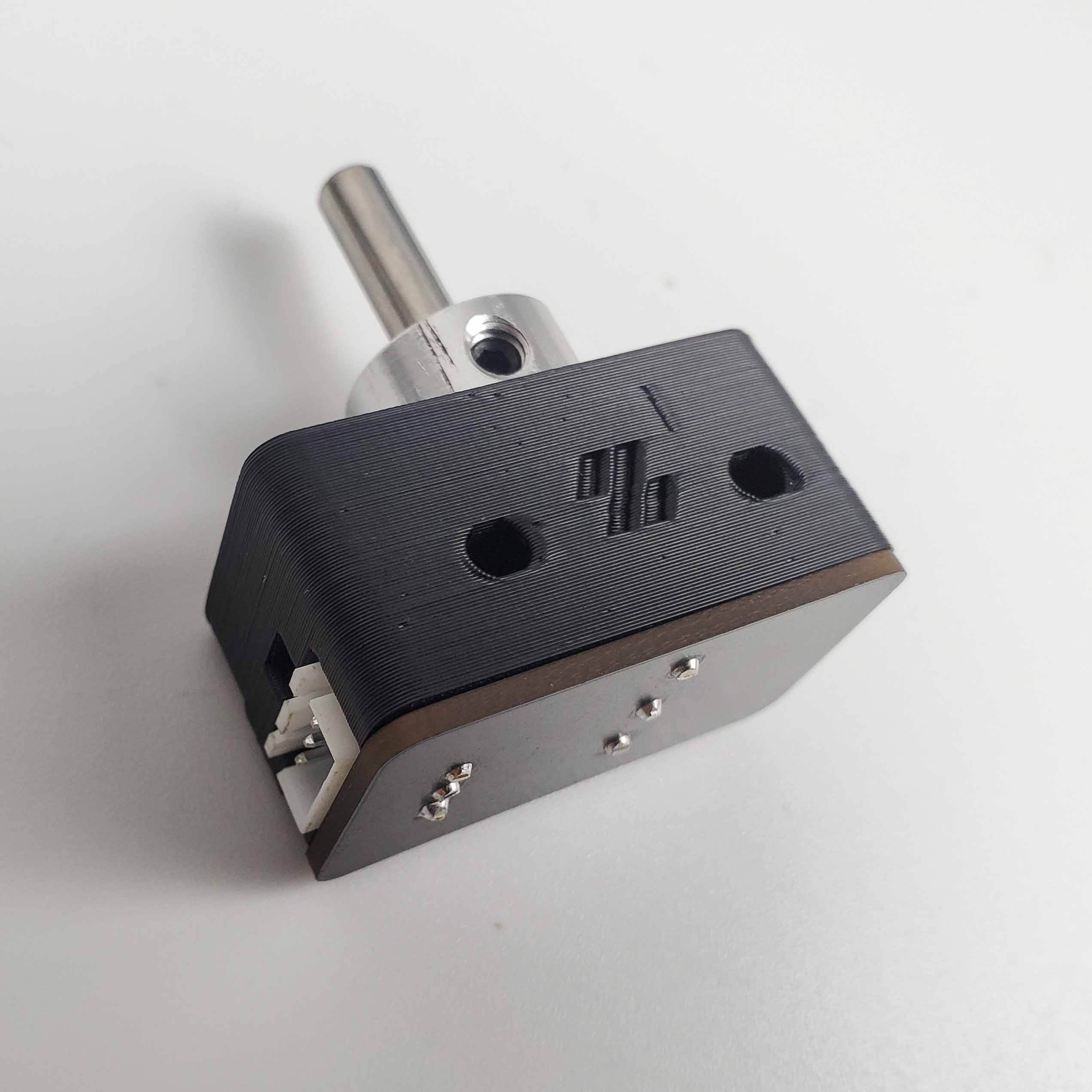
Step 09.30 — Mount the nozzle probe on the bed extrusion¶
Step 30 of 36 with a helper · Chapter 09 — Electronics bay
Parts:
- the nozzle probe assembly · already on the bench
- M3×25 SHCS ×2 · Fasteners, Tools & Misc box
- M3 T-nut ×2 · Fasteners, Tools & Misc box
Do:
- Reach in between deck and plate: two M3 T-nuts into the right extrusion's inner slot
(verify on bench). - Probe on that face, pin away from the deck, M3×25 snug.
- Slide the pin just behind the plate's rear edge.
 Check
Check
A 1.5 mm hex key just fits between pin and plate. The pin clicks the switch and returns. Body square, connector reachable.
 Helper Slides the 1.5 mm hex key between pin and plate and says whether it just fits.
What you're looking at
·
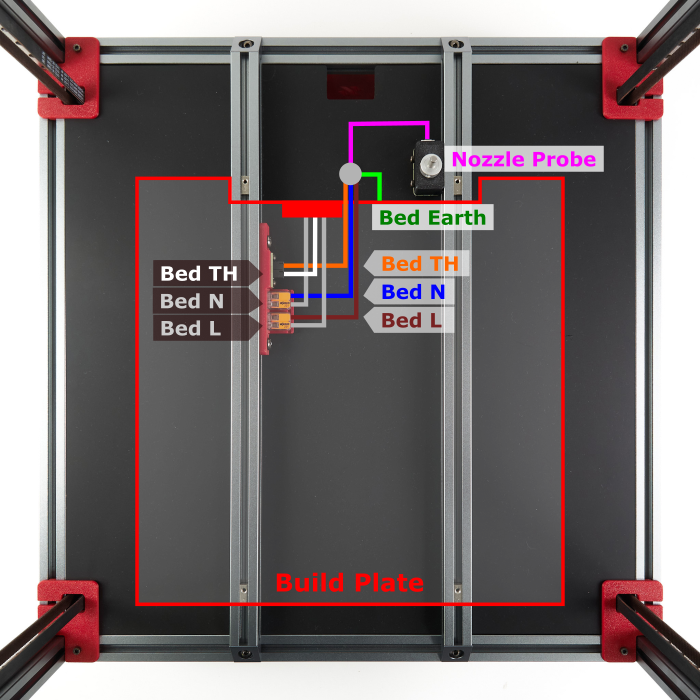
The probe sits above the deck, on the chamber side: the bed extrusions carry the plate, and the deck hangs under them. It bolts to the right extrusion's inner face, its pin standing 1.5 mm behind the plate's rear edge.
Caution
Rev D+ / LDO: the manual calls for M3×20 SHCS. LDO's nozzle probe needs M3×25 SHCS ×2 — the printed body is thicker. src
 Tip
Tip
Un-notched shaft? Bag and label it probe shaft — refit before 13.24.
Probe lead
it stays in the chamber until Ch 10. Layout v3 drops it through the rear notch at 10.34; LDO layout through the round deck hole. Nothing goes through the deck here.
 Good stopping point · ~30 min since the last one
USB adapter stack confirmed and clipped, nozzle probe assembled (collar, PCB, 5 mm shaft) and mounted above the deck on the right bed extrusion's inner slot, pin just behind the plate's rear edge; the printer is still on its head. Nothing plugged in.
Source: Voron manual p.161 · LDO wiring guide § Assembling the nozzle probe · image z_stop_final.jpg · LDO wiki build-plate mapping