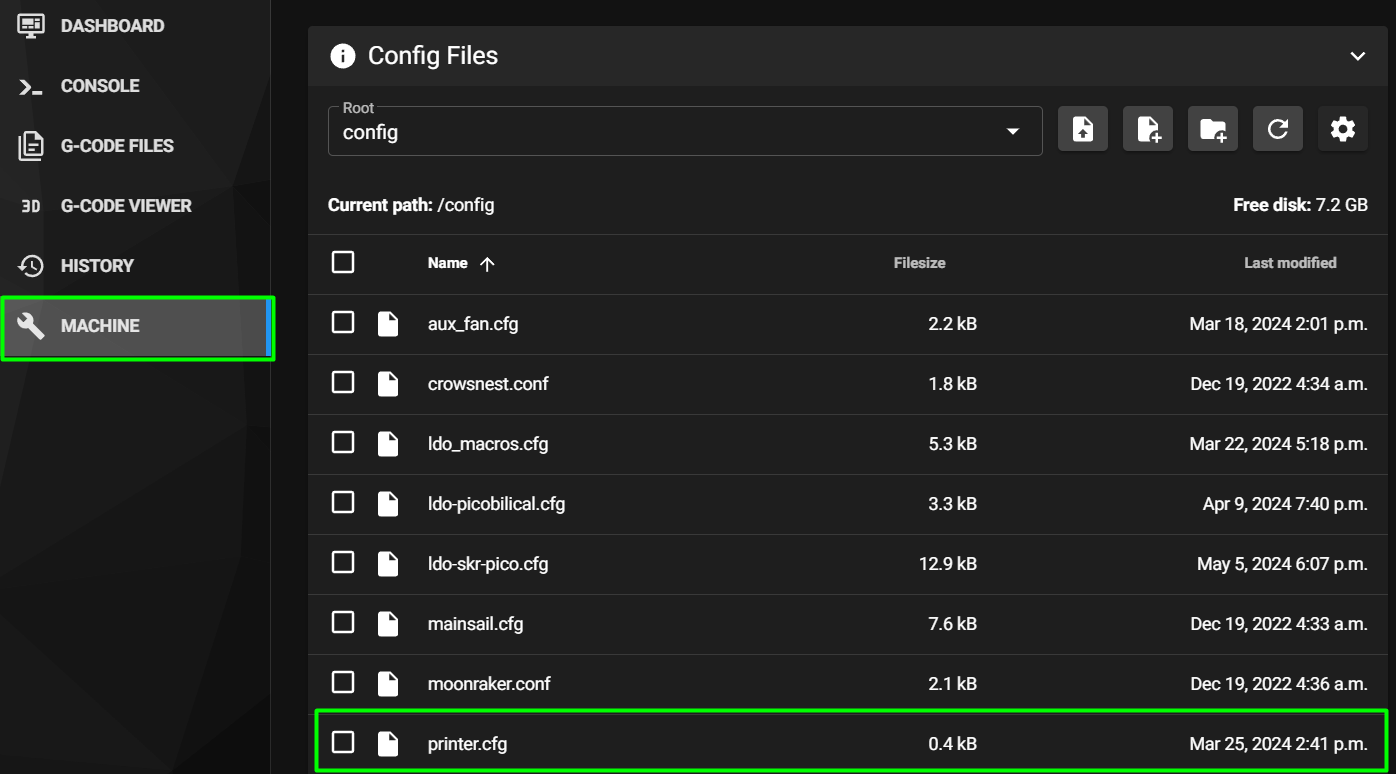
Step 12.5 — Reach Mainsail and open an SSH session
Step 5 of 37 · Chapter 12 — Software: Pi OS image, Klipper/Moonraker/Mainsail, firmware, printer.cfg
(no image of your own printer yet — simulated printer: your numbers differ)
Parts: none.
Do: Open http://voron.local in a browser. Mainsail loads and reports a Klipper error: "Unable to open config file printer.cfg". That is expected; MainsailOS ships no printer.cfg. In a terminal, ssh <youruser>@voron.local.
 Check
Check
Mainsail's UI renders, the error names the missing printer.cfg, and your SSH session lands at a shell prompt.
What you're looking at
The first screenshot is Mainsail's Machine page, where every config file in this chapter gets edited. The second is the dashboard of a printer that already has a printer.cfg. Yours shows an error first: MainsailOS ships no printer.cfg.
Source: LDO Rev D photo, Mainsail Machine page · MainsailOS first boot · Video: Part 9 @1:06:04